★ Academy Award — Best VFX · The Jungle Book (2017)
★ VES Award Nomination – NYAD (2024)
Selected CreditsView all 40+ →
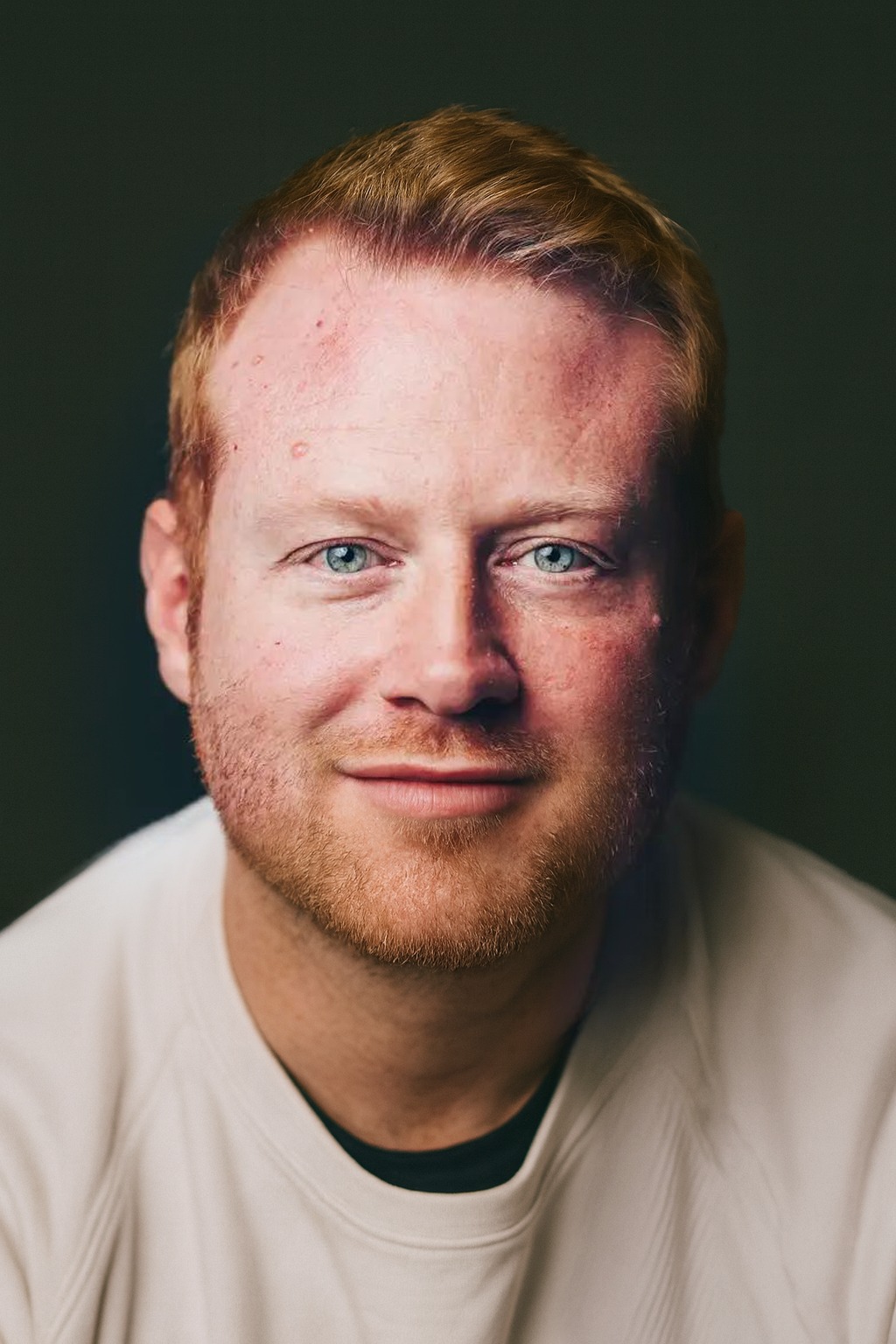
I design action sequences for blockbuster films and lead layout teams at the world's top VFX studios.
With a background in 3D Computer Animation (MA & BA Hons, University of Wales Trinity Saint David), I've spent 12 years at studios including TRIXTER, Method Studios, Scanline VFX, Rising Sun Pictures, and MPC — working across the UK, Australia, Germany and Italy.
My focus is on layout supervision, previs, and pipeline design. Alongside production work I develop custom Python & MEL tools for Maya, and I'm currently expanding into UX/UI design and AI-driven pipeline tooling through additional training at SPICED Academy, Berlin.
Real-time animated speedometer and telemetry tool. Tracks the velocity of any Maya object frame-by-frame with a live PySide2/6 UI featuring a custom-painted speedometer gauge with glow effects, oscilloscope wave display, and detailed speed logging at keyframes.
Custom OpenGL speedometer with animated peak alert & screen shake
Master toolset for batch camera projection and greenscreen/bluescreen keying. Automates frustum plane creation, projection shader assignment, and full pro-quality keyer node network construction — with one-click blue/green screen presets.
Batch process all selected cameras simultaneously
One-click blue screen / green screen presets with colour tuning
Auto-creates camera frustum projection planes
Builds complete Chroma Keyer node networks
Scene-wide projection cleanup utility
from ProjectionKeyerTool importProBatchProjectionTool# Select cameras → open tool
tool = ProBatchProjectionTool()
# → PROCESS ALL SELECTED CAMERAS
Sophisticated procedural noise generator for Maya attributes. Applies SINE, SQUARE, TRIANGLE, SAW, pseudo-PERLIN, or RANDOM noise to any keyable attribute, baking directly as Maya keyframes. Features preset save/load via JSON, real-time preview, and a pixel-art UI.
6 noise types including custom pseudo-Perlin algorithm
Bakes procedural noise as Maya animation keyframes
JSON preset save/load (persists between sessions)
Custom pixel-art icon rendering via QPainter
Amplitude, frequency, phase, and offset controls
from NOISEMayaTool importrunrun()
# Select attribute → choose noise type# Set amplitude, freq, phase → BAKE
Professional multi-camera playblast manager with complete Maya state save/restore. Batch-playblasts up to 4 cameras as image sequences simultaneously, with per-camera resolution presets, HUD options, custom naming, and a progress UI. Compatible Maya 2022–2025.
Batch render 1–4 cameras in a single click
Saves and fully restores all Maya viewport state after blast
Multi-directional world-space mesh raycasting module using OpenMaya 2.0 API. Casts rays from a source object in up to 6 cardinal directions against a list of target meshes, returning exact world-space hit points, face normals, and distances. Optional debug visualisation.
Up to 6 simultaneous directional rays per call
Returns RayHit namedtuple: mesh, distance, world point, normal
Debug mode: draws locators and curves for each ray
Clean public API — single cast_rays() function call
Supports both transform and mesh node targets
import MeshRaycaster as mr
results = mr.cast_rays(
"pSphere1", ["pPlane1", "pCube1"],
debug=True
)
for dir, hit in results.items():
if hit: print(hit.distance)
Dockable Maya Camera HUD combining a full heads-up display with an integrated OpenMaya 2.0 raycaster — no external dependencies. Displays real-time distance and speed telemetry for any selected camera or object directly in the Maya viewport using MayaQWidgetDockableMixin.
Dockable Maya widget (MayaQWidgetDockableMixin)
Real-time distance display in Inches / Feet / CM / Meters
Live speed readout in KM/H, MPH, M/S, FT/S
Fully integrated raycaster — no external module needed
Supports NURBS surfaces and polygon meshes
# Run from Script Editor:exec(open(
r"C:/Users/.../Cam_HUD.py"
).read())
run() # Opens dockable HUD panel
PythonOpenMaya 2.0HUDDockable
Master RV Player
RV is the industry-standard review & playback tool for VFX and animation pipelines. Originally developed by Tweak Software, acquired by Autodesk in 2015, and open-sourced in 2022 under the Academy Software Foundation's Open Review Initiative.
Used daily across major VFX studios for dailies review, version comparison, colour inspection, and ShotGrid/Flow integration. RV won a Scientific & Technical Award from the Academy of Motion Picture Arts and Sciences.
# Quick launch with an EXR sequence
rv /path/to/shot.1001-1100#.exr
# Compare two versions
rv versionA.#.exr versionB.#.exr
5
Lessons
60+
Hotkeys
10
Quiz Q's
OverviewWhat RV Does▼
Real-time playback of EXR, DPX, QuickTime, H.264, ProRes